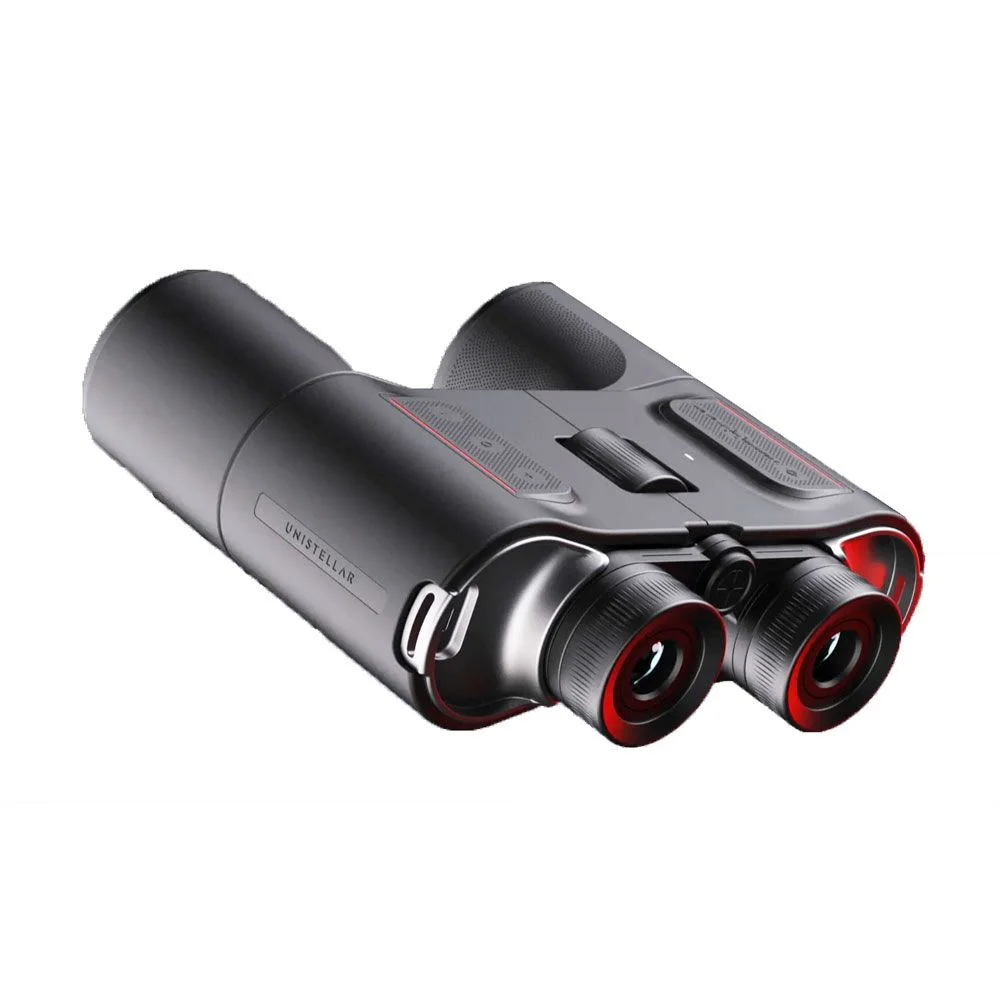
The Unistellar Envision’s main draw is its augmented reality guide: a display in the right lens that can identify sky targets and landmarks, then point users toward them. That could make the 10x50 binoculars useful both for finding objects and showing them to someone else. My first hands-on time suggests the controls are approachable, though the key stargazing feature still needs clear skies to prove itself.
Built around the AR display
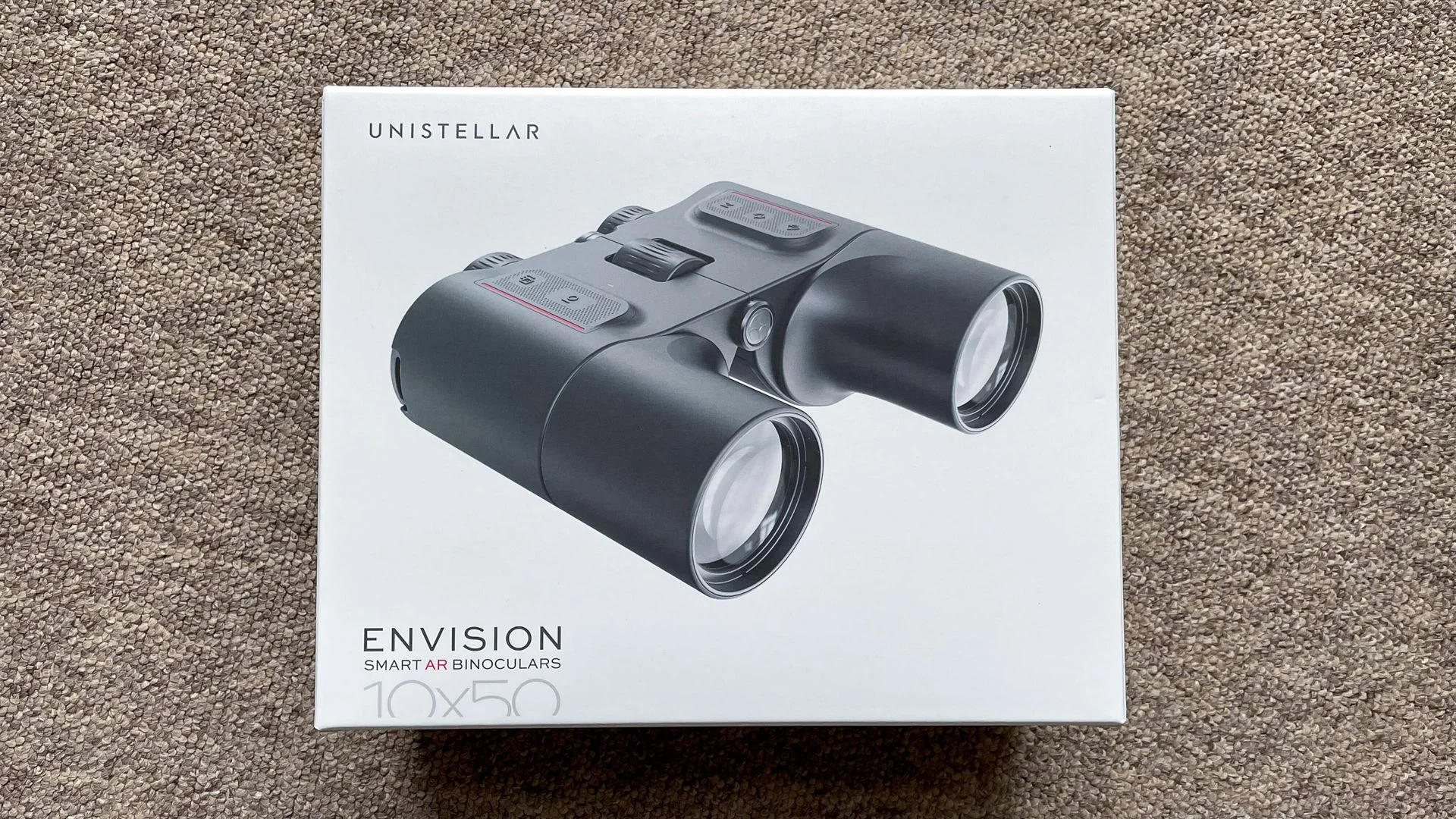
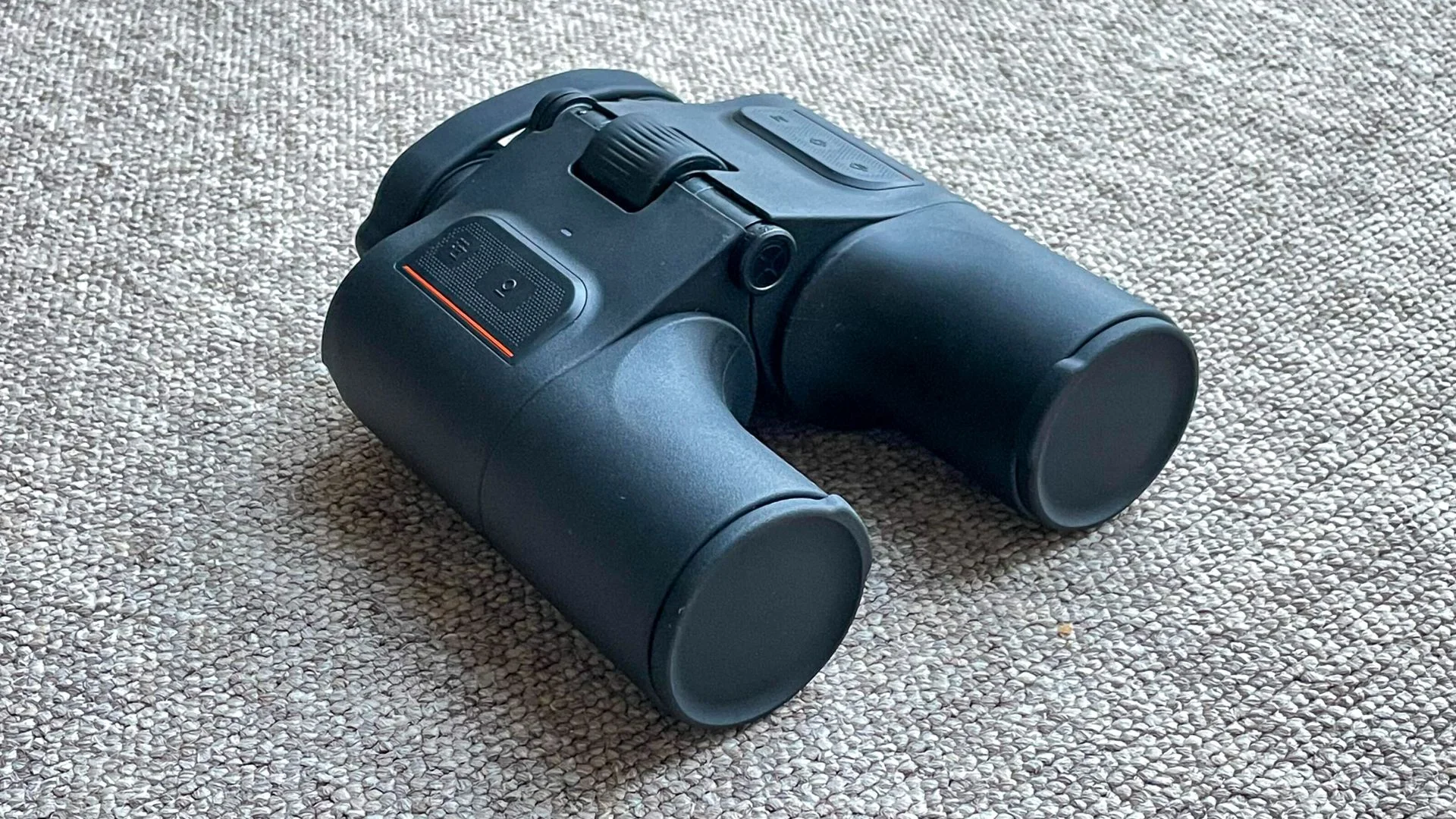
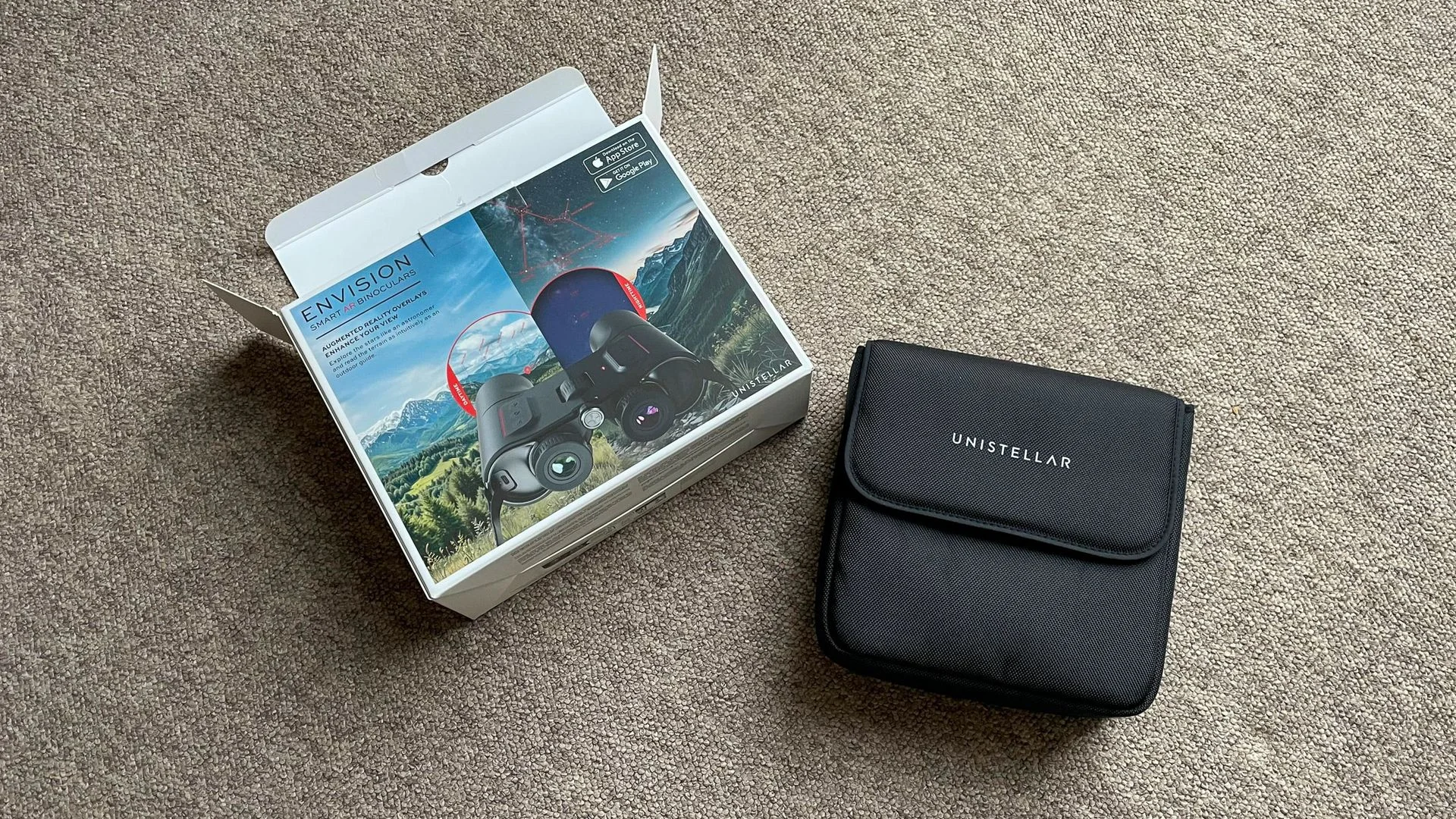
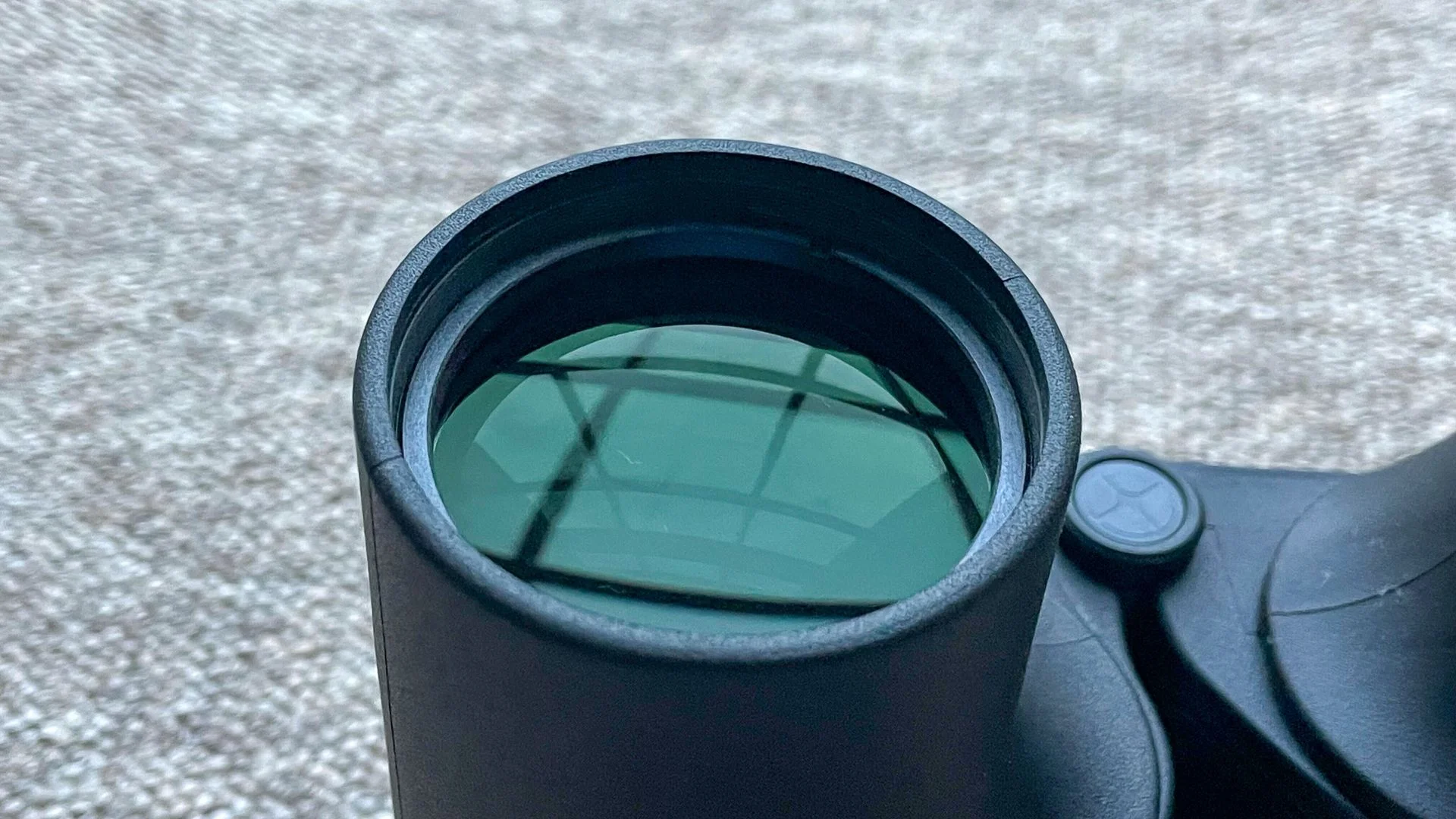
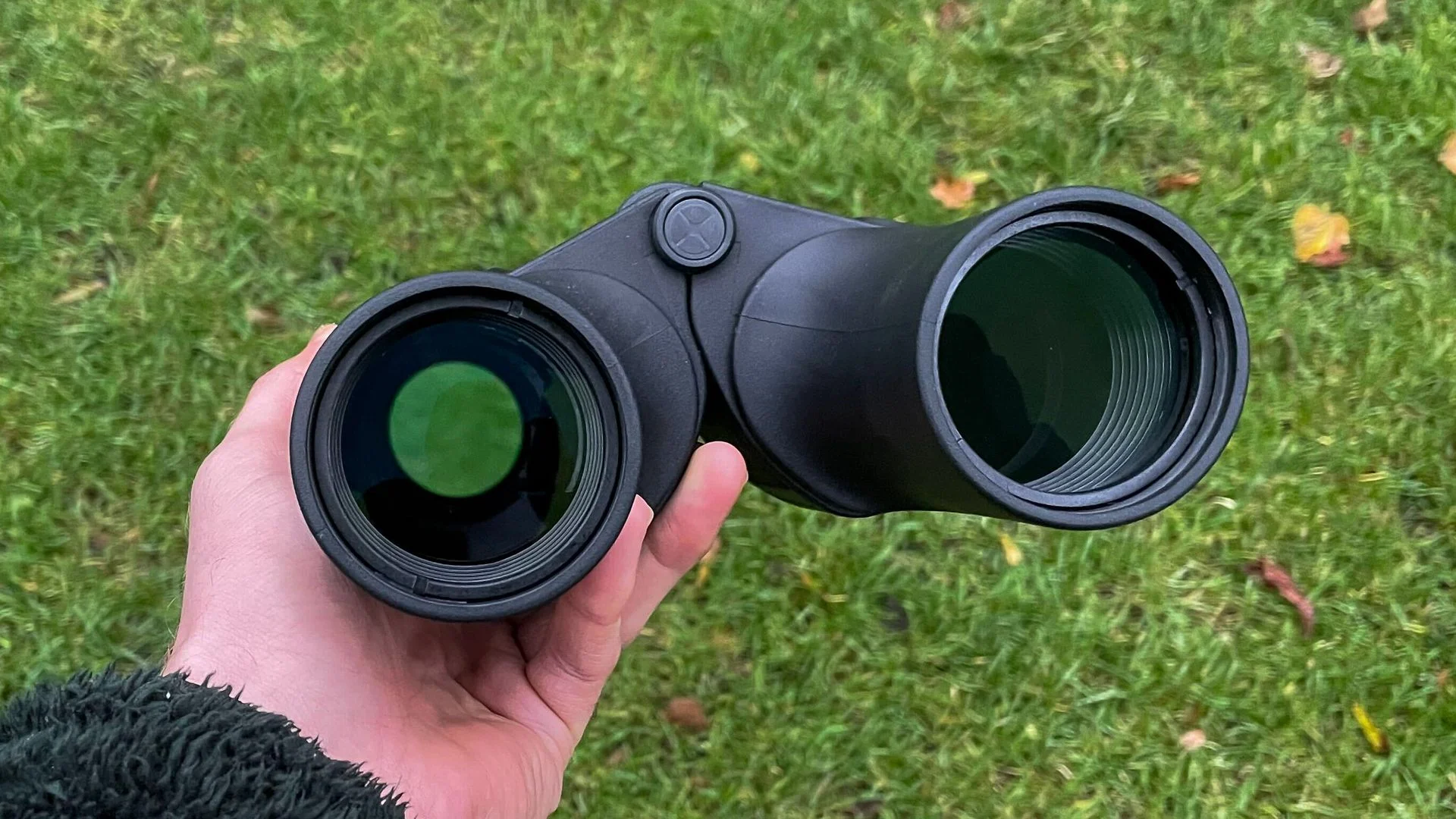
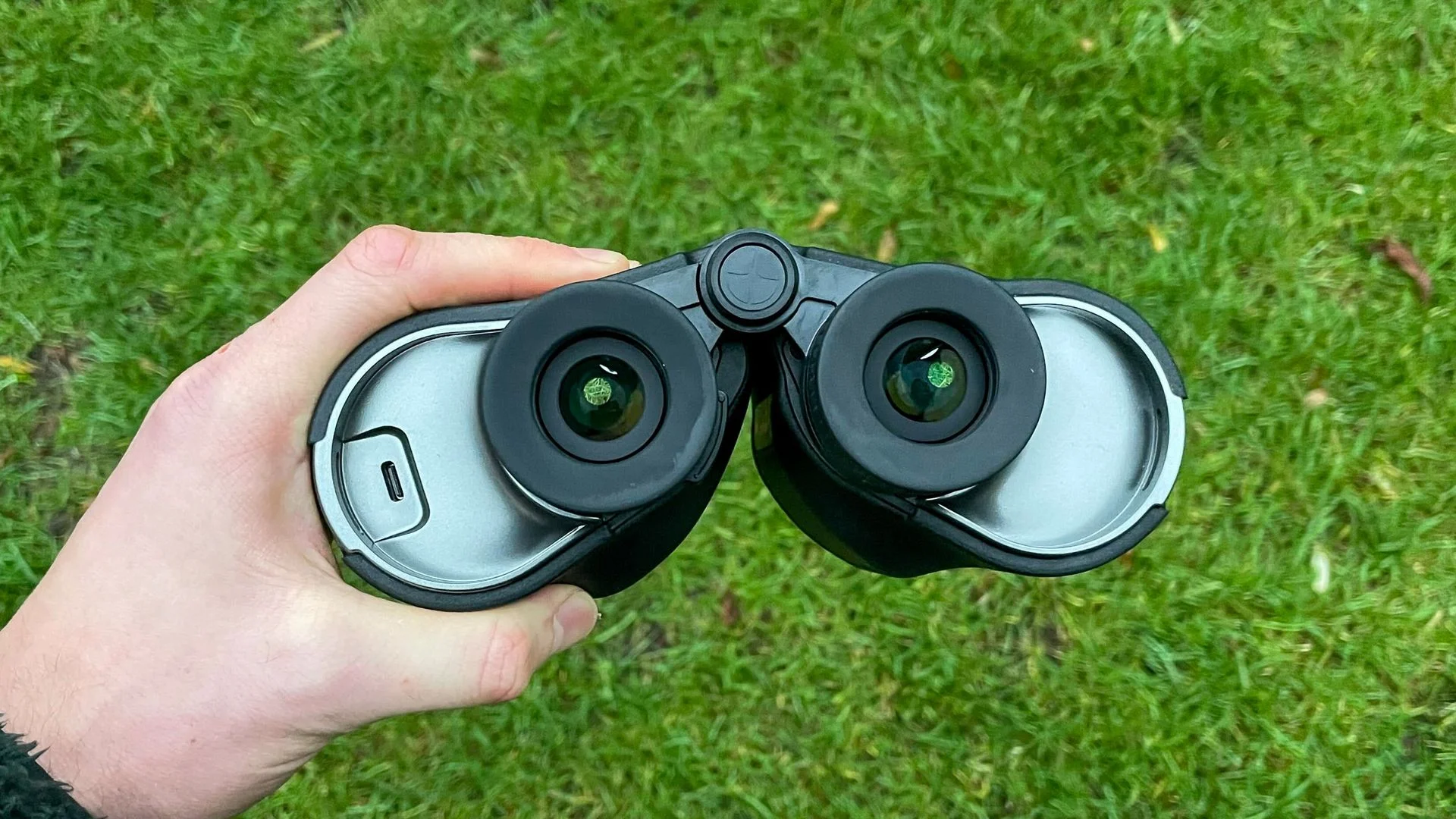
The Envision is the first smart binocular designed to identify night sky objects such as planets, stars and deep space targets. Its body feels solid, with the added electronics contributing to a fairly hefty build. In the box are a soft carry case, padded neck strap, USB-C cable and rubber covers for the lenses and eyepieces.
Pre-order the Unistellar Envision smart binoculars for $1,499 / £1,299
Before heading out, allow time to pair the binoculars with the Unistellar app, watch its setup videos and adjust the diopter. The app found the device quickly. Unistellar also recommends a 360-degree calibration before first use. Location services need to be set to “always” so the app can determine where you are and place sky objects and landmarks accurately in the AR view.
Landmark tracking works; the night test can wait
Cloudy weather prevented a trial of the night mode, so I can’t yet judge how well the Envision identifies stars or deep space objects. Daytime topographical identification was more encouraging: it made local landmarks easy to pick out. A separate navigation mode shows cardinal direction and azimuth and elevation angles.
I also tried target lock with a friend. The AR indicator led them to the selected landmark without much trouble, a useful sign for anyone guiding another observer. Sharing the binoculars does expose a practical constraint: the diopter setting suits one person at a time. My friend needed to adjust the focus wheel to sharpen the overlay, a small but noticeable interruption.
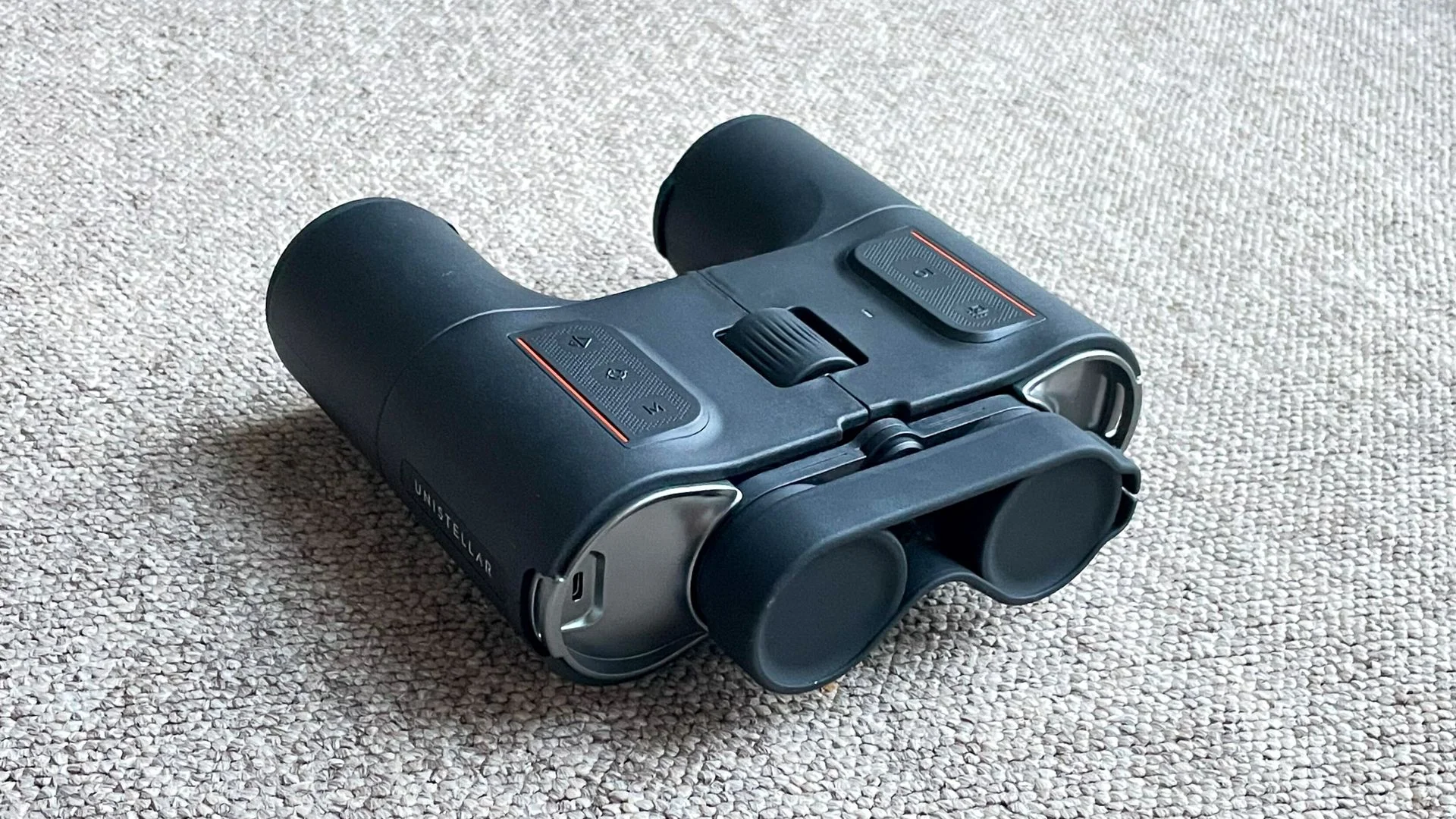
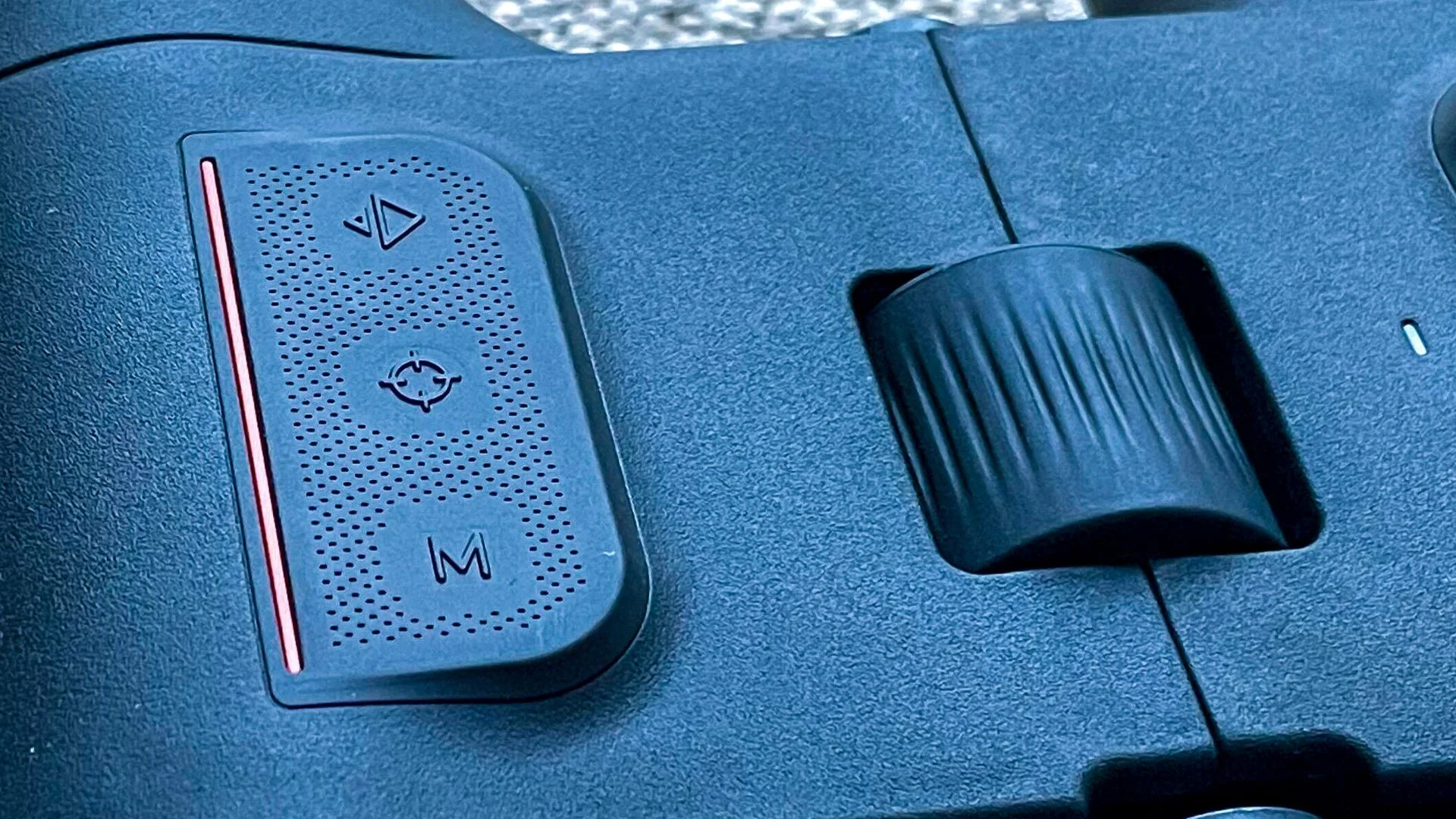
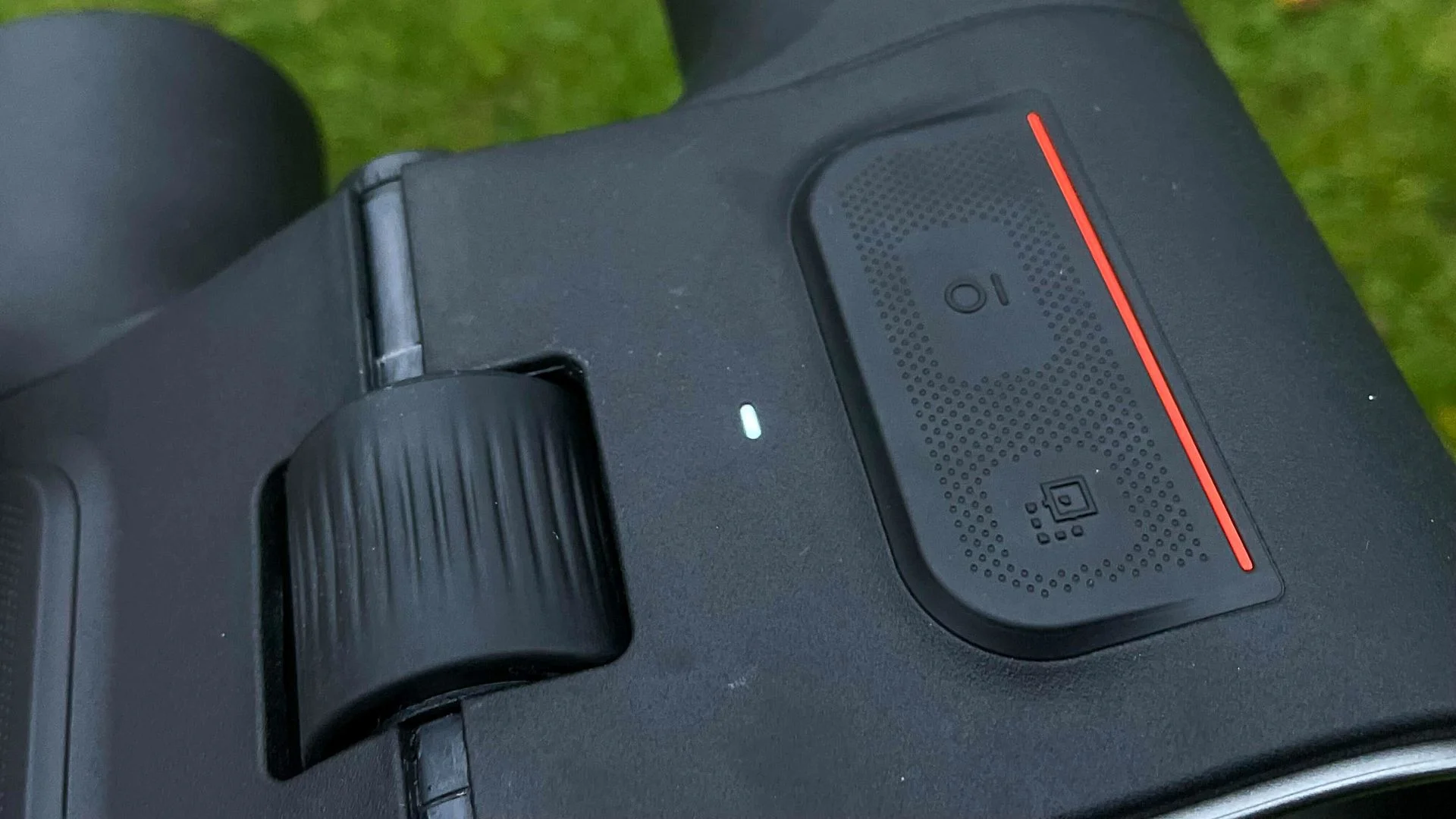
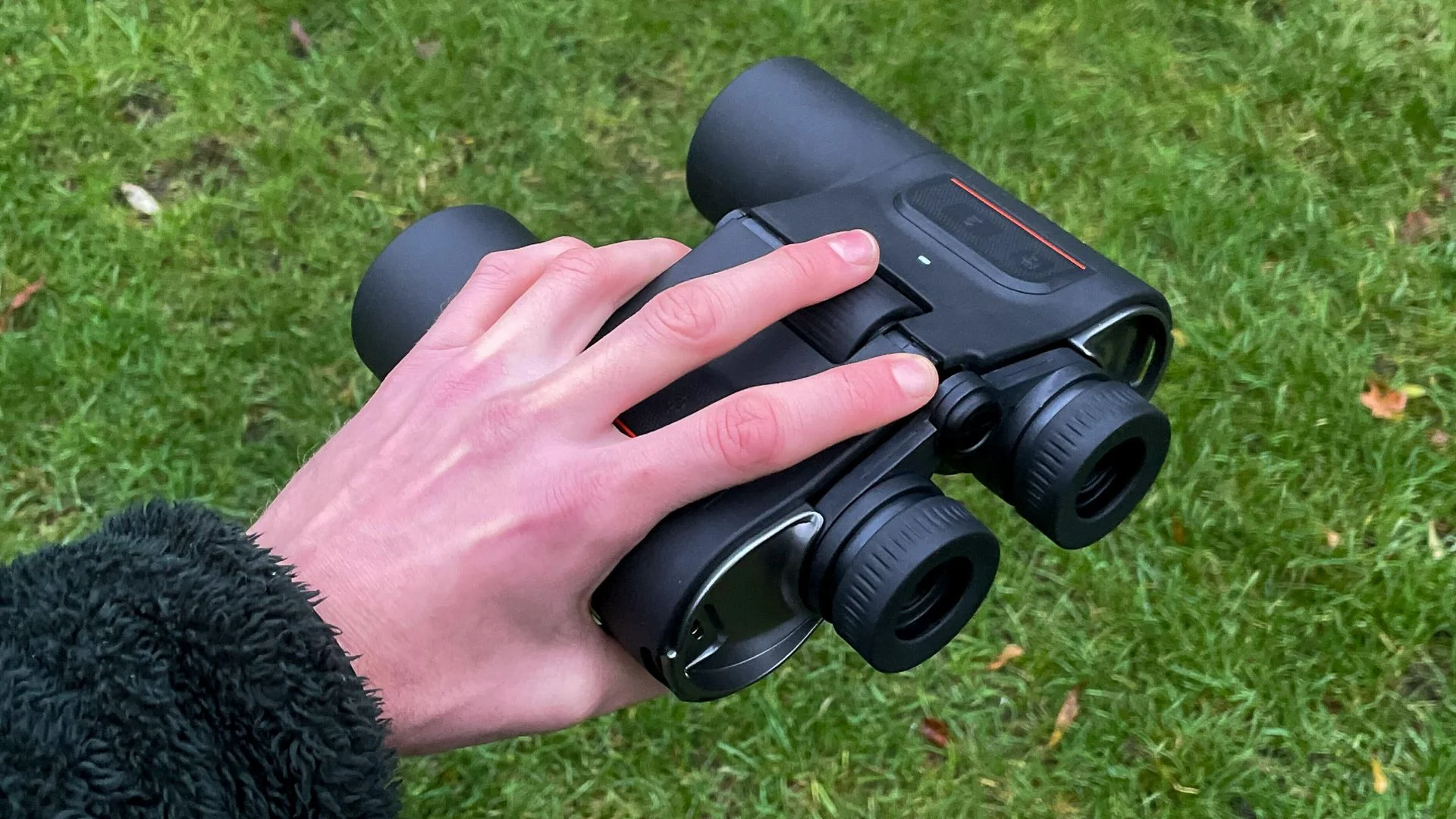
The five-button layout becomes intuitive after a little practice. On the left, “next” advances a guided tour, while target lock and mode handle object selection and display options. The right side has calibration and power controls; the power button also switches the AR display off. The central focus wheel takes a slight reach, but is manageable with both hands.
A promising guide, pending a clear night
During daytime use, the optics produced a clean image, and the AR guidance was straightforward to operate. The 10x magnification and 50mm objective lenses provide the light gathering capacity expected for stargazing, while the onboard display adds help with finding and sharing targets.
At $1,499 / £1,299, the Envision asks buyers to pay for a new kind of observing aid. Its potential as a teaching tool looks strongest so far: target lock can direct another person to a landmark, and the same approach could help newcomers find constellations. Future software updates are planned, with third-party app development targeted for 2027. The decisive next step is seeing whether the night sky experience matches the promise of the daytime demo.